

open-codex-computer-use
让 AI 直接操控你的电脑,跨平台自动化操作桌面应用
项目预览
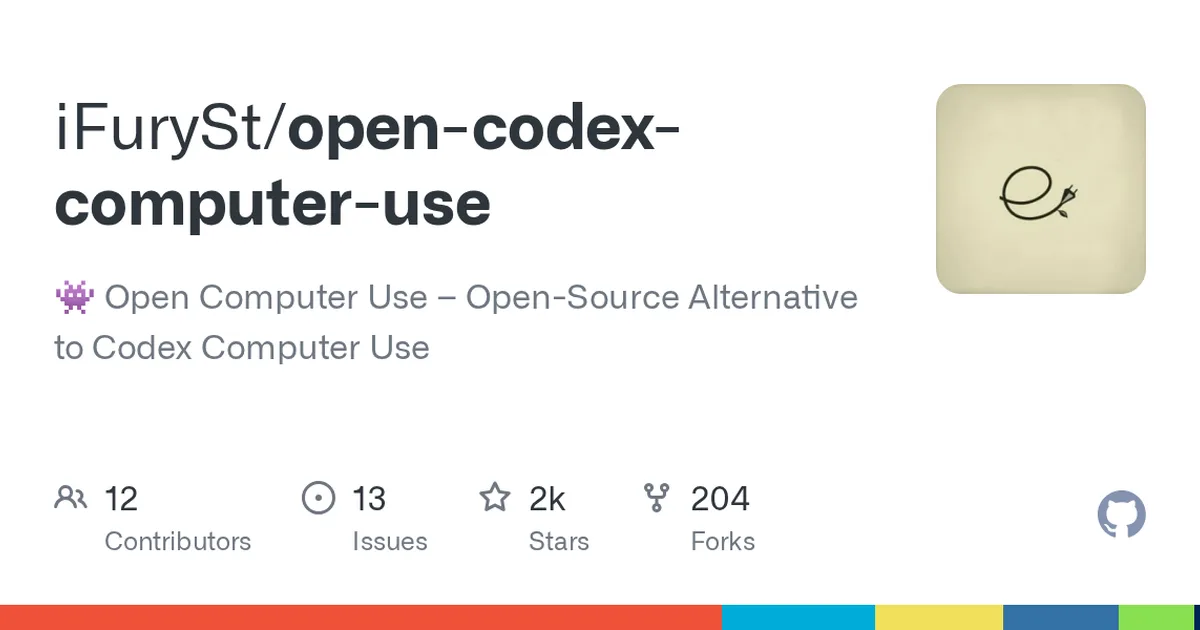
项目数据
项目介绍
Star 增长趋势
本站每日记录该项目 GitHub 星标变化,观测越久曲线越完整
数据来源:GitHub API 逐日快照 · 收录于 2026-08-09 · 当前星标 ★ 2888
使用教程
环境要求
- Node.js 与 npm(需通过 npm 全局安装 open-computer-use)
- macOS 运行时要求 macOS 14.0 或更高版本
- macOS 需授予 Accessibility(辅助功能)与 Screen Recording(屏幕录制)权限
- 一个支持 MCP 的客户端,如 Codex、Claude Code、Gemini CLI 或 opencode
安装与启动步骤
-
1全局安装 CLI
用 npm 全局安装 open-computer-use,安装后会同时提供 ocu 作为短别名。
npm i -g open-computer-use -
2首次运行并授权
直接在终端运行一次;macOS 会提示授权,需在系统设置中开启辅助功能与屏幕录制。Windows 和 Linux 跳过此步。
open-computer-use -
3接入 Codex
把 MCP 服务写入 ~/.codex/config.toml,之后 Codex 即可调用 Computer Use 能力。
open-computer-use install-codex-mcp -
4接入 Claude Code
把 MCP 服务写入 ~/.claude.json,使 Claude Code 能使用该服务。
open-computer-use install-claude-mcp -
5接入 Gemini CLI
默认写入当前项目的 ./.gemini/settings.json;加 --scope user 可写入用户级配置。
open-computer-use install-gemini-mcp -
6手动配置其他客户端
其他 MCP 客户端可手动添加配置:command 为 open-computer-use,args 为 mcp,参考下方 configs。
关键配置
| 配置项 | 必填 | 说明 | 示例 |
|---|---|---|---|
mcpServers.open-computer-use.command | 是 | 指定启动 MCP 服务的可执行命令 | open-computer-use |
mcpServers.open-computer-use.args | 是 | 以 MCP 模式启动服务所需的参数 | ["mcp"] |
--scope user | 否 | 安装 Gemini CLI 配置时,改为写入用户级配置而非项目级 | --scope user |
如何确认成功
在 MCP 客户端中能看到 open-computer-use 提供的工具(如 get_app_state),并能成功调用完成一次操作。
常见问题
Q:Windows 和 Linux 需要授权吗?
A:不需要。只有 macOS 运行时首次启动需要手动授予 Accessibility 和 Screen Recording 权限。
Q:命令名太长有简写吗?
A:有。npm 包同时暴露 ocu 作为短别名,例如 ocu install-codex-mcp 与 open-computer-use install-codex-mcp 等价。
Q:如何更新已安装的 skill?
A:执行 npx skills update open-computer-use -g -y 即可更新全局安装,包括之前为 Codex 创建的安装。
Q:能一次执行多个操作吗?
A:可以。用 open-computer-use call --calls 传 JSON 数组,或用 --calls-file 指定文件,同一进程内可复用 element_index 状态。
注意事项
- macOS 运行时必须为 macOS 14.0 及以上版本。
- macOS 需先手动运行一次并授权辅助功能与屏幕录制,Windows/Linux 无此步骤。
- 项目也可作为 Codex 插件安装:open-computer-use install-codex-plugin;opencode 用户可执行 open-computer-use install-opencode-mcp。
- 从源码检出做本地验证时可使用 make smoke、make stress、make agent-smoke 等命令。
核心亮点
- 基于辅助功能 API 实现精准的 UI 元素定位,不依赖图像识别,性能更优
- 支持 macOS、Windows、Linux 三平台,打破 Codex 的生态锁定
- 提供 CLI 和 API,易于集成到现有 AI 工作流,且完全开源可定制
不足之处
- 依赖系统辅助功能权限,部分应用(如 Electron)支持不完整
- 文档/社区待观察
适用场景
- 自动化桌面软件测试,模拟用户操作验证功能
- 构建 AI 驱动的 RPA 工具,处理重复性办公任务
- 为视障用户提供 AI 辅助的电脑操作界面
替代项目
Open Interpreter、Self-Operating Computer、UI-TARS
上一篇:OpenBiliClaw
下一篇:atomic-agent
同类项目推荐
 openclaw-coolify
开源
在常用聊天软件里,直接调用你的 AI 助手
OpenClaw aka (Clawdbot, MoltBot) is an open agent platform that runs on your machine···
 tura
开源
让编码 agent 少烧 80% token,还干得更好
Build agent that uses 80% less token and delivers better results.
 bagidea-office
开源
把 AI 办公团队搬上桌面壁纸,实时协作干活
A living AI-agent office on your desktop wallpaper — Claude Code agents that walk, ···
 Agents-Anywhere
开源
手机远程操控本机编码 Agent,任务随时盯随时接管
跨设备的开源Agent工作台
 FindJobs-Agent
开源
用AI智能体搞定简历评分、模拟面试和技能分析,求职更高效
LLM-powered toolkit for skill analysis, AI interviews, resume scoring, and job struc···
 jentic-public-apis
开源
数千公共 API 的机器可读目录,智能体随取随用
Directory of OpenAPI specifications for thousands of public APIs. Every API is machi···
 awesome-ai-agents
开源
一网打尽AI智能体项目,快速找到你需要的那个
A list of AI autonomous agents
 ChatClaw
开源
五分钟部署个人 AI 助手,连接全平台通讯
ChatClaw: Get OpenClaw-like knowledge base personal AI agent in 5 mins. Sandbox-secu···
 deer-flow
开源
交给 AI 的大项目,能干几天几夜不撒手
An open-source long-horizon SuperAgent harness that researches, codes, and creates. ···