

项目预览
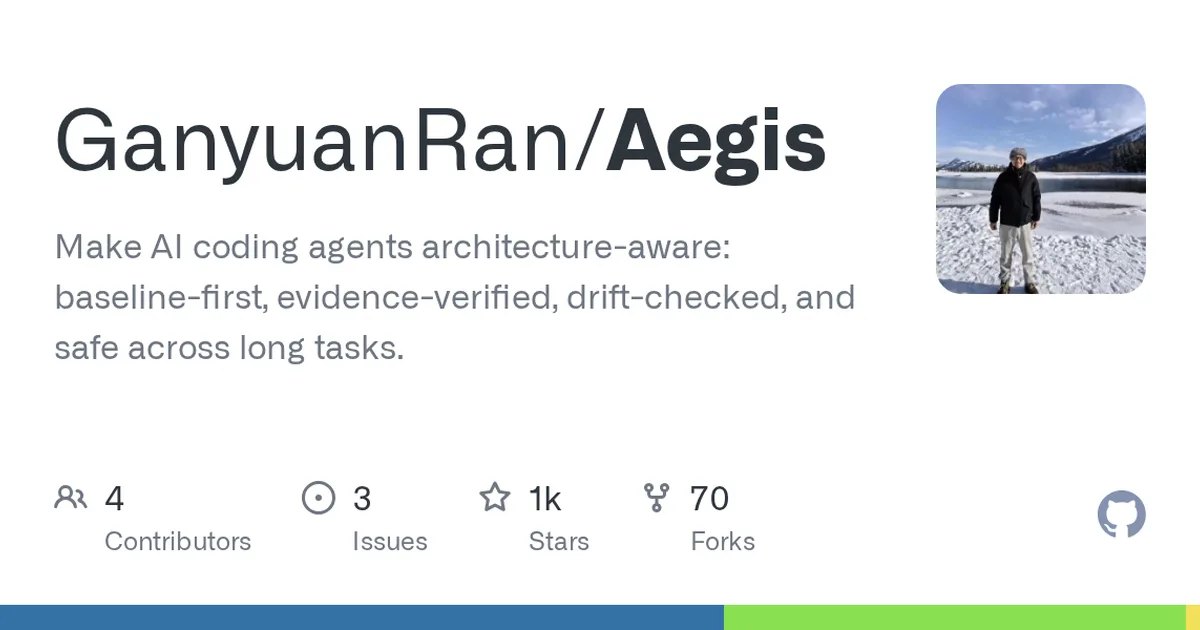
项目数据
项目介绍
Star 增长趋势
本站每日记录该项目 GitHub 星标变化,观测越久曲线越完整
数据来源:GitHub API 逐日快照 · 收录于 2026-08-09 · 当前星标 ★ 1424
使用教程
ℹ 本教程由 AI 依据该项目 README 整理,个别步骤可能需要按你的环境微调。
环境要求
- 一个已安装的 AI 编程宿主(如 Claude Code、Codex 或官方 DeepSeek Harness `dsh`)
- 本机 Python 环境(需运行 scripts/aegis-doctor.py)
- git,且网络可访问 GitHub
- 已定位到 Aegis 方法包(method-pack)根目录
安装与启动步骤
-
1确认宿主环境
先确认自己用的是哪个 AI 编程宿主(Claude Code、Codex 或 dsh),并确保本机有 Python 和 git。
-
2交给智能体安装
把 README 的 Quick Install 提示词原样发给你的 AI 编程智能体,让它识别宿主并按对应指南全局安装。
Read https://github.com/GanyuanRan/Aegis, identify my current AI coding host, and install Aegis globally using the correct host guide. If the host is the official DeepSeek Harness (`dsh`), treat global/minimal installation as native profile-plugin installation with `dsh plugin --profile <profile> add "git+https://github.com/GanyuanRan/Aegis.git"`; do not silently substitute the direct-child compatibility path unless the plugin manager is unavailable and I explicitly approve compatibility mode. Restart or reload the host if needed, then run complete-install verification from the installed Aegis method-pack root. Do not run the doctor command from the target project directory. First locate `<aegis-method-pack-root>`, then run `cd <aegis-method-pack-root> && python scripts/aegis-doctor.py --write-config --json`. Treat the install as complete only if the JSON includes `"ok": true`, `"workspaceSupport": "available"`, and `"configStatus": "configured"`; if the host uses a separate skill discovery directory, also verify it with `--discovery-root <path>`; if the host guide declares a skill directory name prefix, also pass `--discovery-name-prefix <prefix>`. Also complete the selected host -
3dsh 宿主原生安装
若宿主是官方 DeepSeek Harness,用插件管理器做原生 profile-plugin 安装,而非兼容路径。
dsh plugin --profile default add "git+https://github.com/GanyuanRan/Aegis.git" -
4进入方法包根目录
先定位 aegis-method-pack-root,再切换进去;绝对不要在任何目标项目目录里执行 doctor。
cd /your/path/to/aegis-method-pack -
5运行 doctor 校验
在方法包根目录执行 doctor 并写出配置,以 JSON 输出结果判断安装是否完整。
cd /your/path/to/aegis-method-pack && python scripts/aegis-doctor.py --write-config --json -
6补充发现目录校验
宿主若使用独立的 skill 发现目录,或指南声明了目录名前缀,追加对应参数再校验一次。
cd /your/path/to/aegis-method-pack && python scripts/aegis-doctor.py --write-config --json --discovery-root /your/path/to/skills --discovery-name-prefix your-prefix -
7重启并激活
重启或重新加载宿主,并按所选宿主指南完成原生激活与自动入口检查,仅文件被发现不算完成。
关键配置
| 配置项 | 必填 | 说明 | 示例 |
|---|---|---|---|
--write-config | 否 | 让 doctor 在检查的同时写出配置文件 | --write-config |
--discovery-root | 否 | 宿主使用独立 skill 发现目录时,指定该目录路径校验 | --discovery-root /your/path/to/skills |
--discovery-name-prefix | 否 | 宿主指南声明了 skill 目录名前缀时,传入该前缀 | --discovery-name-prefix your-prefix |
如何确认成功
doctor 的 JSON 输出同时包含 "ok": true、"workspaceSupport": "available"、"configStatus": "configured",才算安装完整。
常见问题
Q:doctor 可以在我的目标项目目录里运行吗?
A:不可以。README 明确要求先定位 aegis-method-pack-root,在该方法包根目录下执行,不要在目标项目目录里跑 doctor。
Q:什么条件下才算安装完成?
A:doctor 的 JSON 需同时含 "ok": true、"workspaceSupport": "available"、"configStatus": "configured",且完成宿主指南的原生激活与自动入口检查。
Q:宿主有独立 skill 发现目录怎么办?
A:在 doctor 命令后追加 --discovery-root <path> 指定该目录;若指南还声明了目录名前缀,再加 --discovery-name-prefix <prefix>。
Q:dsh 宿主能否直接用兼容路径安装?
A:默认不行。应走原生 profile-plugin 安装;只有插件管理器不可用且你明确同意兼容模式时,才使用 direct-child 兼容路径。
注意事项
- 不要静默把 dsh 的原生安装替换成 direct-child 兼容路径。
- 仅文件被发现或通用 doctor 结果通过还不够,需完成宿主的激活与自动入口检查。
- 命令中的 default 为 profile 示例名,请替换为你实际使用的 profile。
- 安装后按需重启或重新加载宿主。
核心亮点
- 首创基线优先机制,强制AI先理解架构再动手,从源头减少乱改代码
- 证据验证+漂移检查双保险,每次改动都有据可查,偏离架构立即告警
- 专为长任务设计,避免AI在长时间生成中逐渐遗忘架构约束
不足之处
- 项目处于早期阶段,文档和社区生态尚不完善
- 依赖外部AI编程工具(如Claude Code),自身不提供独立编码能力
适用场景
- 大型代码库中引入AI辅助开发,需保证架构一致性
- 团队使用AI编程工具进行长时间自动化重构或功能迭代
- 对代码质量有严格合规要求的企业级项目
替代项目
Aider、Continue、Cody
上一篇:pi-extensions
下一篇:loopx
同类项目推荐
 Micro-Agent
开源
轻量垂域 Agent 框架,快速搭建业务智能体
A lightweight AI agent framework for vertical domain applications | 面向垂域应用的轻···
 inkos
开源
小说剧本游戏IP,一句话全包了
Story Creation AI Agent for novel, scripts, translation, interactive games, and IP c···
 PPTAgent
开源
输入主题,自动生成专业级 PPT,省时省力。
An Agentic Framework for Reflective PowerPoint Generation
 agentchattr
开源
把多个 AI 编码助手拉进同一个群聊,互相 @ 着把活干完
Free, local chat where AI coding agents can tag each other, talk, and coordinate wit···
 Beledarians_LM_Studio_Toolbox
开源
给 LM Studio 装上手脚,让本地 AI 帮你写代码、查资料、管文件。
This project is a plugin for LM Studio that provides a rich set of tools to a large ···
 agentpet
开源
养一只桌面宠物,让 AI 编码更有趣,还能冲榜
A desktop pet for macOS & Windows that monitors your AI coding agents (Claude Code, ···
 pro-workflow
开源
骂过一次就记住,AI 越用越懂你的习惯。
Claude Code learns from your corrections: self-correcting memory that compounds over···
 forksilly.doc
开源
手机上无缝玩转酒馆角色卡,还能生成AI图像
Documents repo of ForkSilly. ForkSilly:兼容sillytavern(酒馆)角色卡、世界书、正则、···
 deer-flow
开源
交给 AI 的大项目,能干几天几夜不撒手
An open-source long-horizon SuperAgent harness that researches, codes, and creates. ···