

项目预览
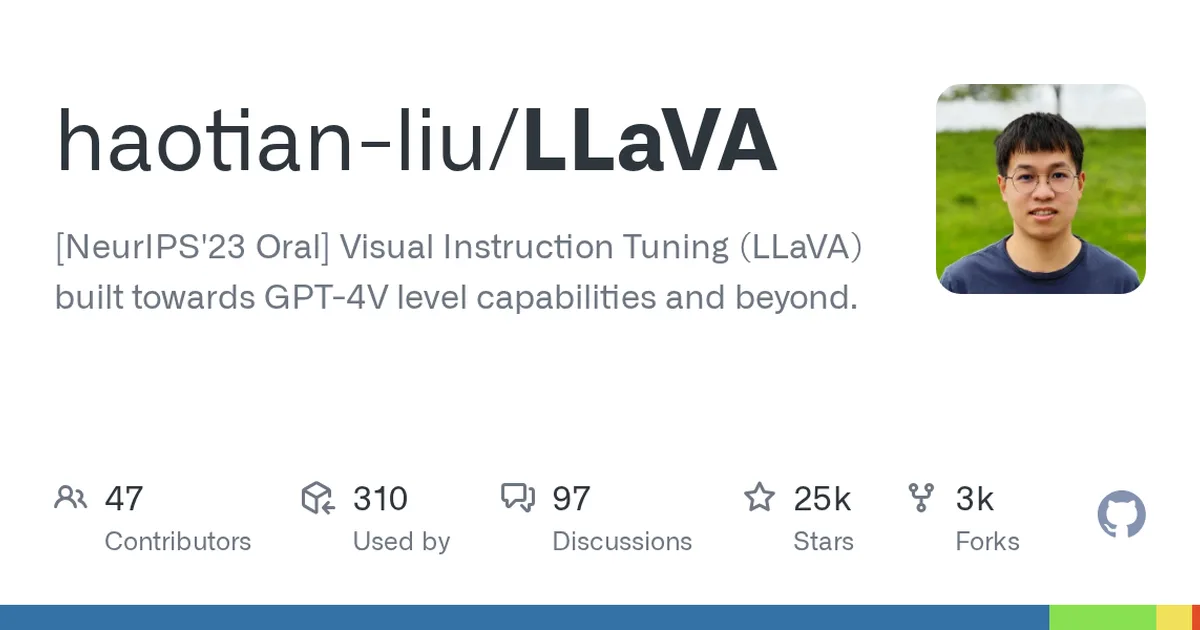
项目数据
项目介绍
Star 增长趋势
本站每日记录该项目 GitHub 星标变化,观测越久曲线越完整
数据来源:GitHub API 逐日快照 · 收录于 2026-08-09 · 当前星标 ★ 25081
使用教程
环境要求
- Linux 系统(README 明确说明非 Linux 请勿继续,macOS/Windows 需另见官方文档)
- 已安装 conda 环境管理工具
- Python 3.10(conda 环境按此版本创建)
- git(用于克隆仓库)
- 如需安装 flash-attn,需要可用的 CUDA 环境
安装与启动步骤
-
1克隆项目仓库
从 GitHub 克隆 LLaVA 源码并进入项目目录,后续所有命令都在 LLaVA 目录内执行。
git clone https://github.com/haotian-liu/LLaVA.git cd LLaVA -
2创建 conda 环境
按 README 用 Python 3.10 新建名为 llava 的独立环境,避免污染系统 Python。
conda create -n llava python=3.10 -y -
3激活环境升级 pip
激活 llava 环境并升级 pip,以便支持 PEP 660 的可编辑安装方式。
conda activate llava pip install --upgrade pip -
4安装 LLaVA 包
以可编辑模式安装项目本体,之后才能 import llava 包并加载模型。
pip install -e . -
5安装训练依赖
README 指明训练场景需额外安装 train 附加依赖,仅推理可跳过此步。
pip install -e ".[train]" -
6安装 flash-attn
训练/加速推理需安装 flash-attn,必须带 --no-build-isolation 参数。
pip install flash-attn --no-build-isolation -
7运行快速示例
用 README 的 HuggingFace 示例加载 7B 模型并让模型描述一张图片。首次运行会自动下载权重。
from llava.model.builder import load_pretrained_model
from llava.mm_utils import get_model_name_from_path
from llava.eval.run_llava import eval_model

model_path = "liuhaotian/llava-v1.5-7b"
prompt = "What are the things I should be cautious about when I visit here?"
image_file = "https://llava-vl.github.io/static/images/view.jpg"

args = type('Args', (), {
    "model_path": model_path,
    "model_base": None,
    "model_name": get_model_name_from_path(model_path),
    "query": prompt,
    "conv_mode": None,
    "image_file": image_file,
    "sep": ",",
    "temperature": 0,
    "top_p": None,
    "num_beams": 1,
    "max_new_tokens": 512
})()

eval_model(args)
关键配置
| 配置项 | 必填 | 说明 | 示例 |
|---|---|---|---|
model_path | 是 | 模型权重路径或 HuggingFace 仓库名 | liuhaotian/llava-v1.5-7b |
model_base | 否 | LoRA 权重对应的基础模型路径,非 LoRA 可为 None | None |
image_file | 是 | 要询问的图片路径或图片 URL | https://llava-vl.github.io/static/images/view.jpg |
query | 是 | 向模型提出的问题文本 | What are the things I should be cautious about when I visit |
temperature | 否 | 采样温度,0 表示确定性输出 | 0 |
max_new_tokens | 否 | 生成回答的最大 token 数 | 512 |
如何确认成功
运行 eval_model 示例后能正常打印出模型对图片的回答文本,且过程中无导入报错。
常见问题
Q:我不是 Linux 系统能装吗?
A:README 明确说非 Linux 不要按本文档继续,macOS 和 Windows 用户需查看仓库 docs/macOS.md 与 docs/Windows.md 的专用说明。
Q:flash-attn 安装失败怎么办?
A:README 建议尝试加缓存禁用参数重装:pip install flash-attn --no-build-isolation --no-cache-dir。
Q:只想快速体验不想本地部署?
A:可使用官方 Demo 网页 llava.hliu.cc,或社区提供的 HuggingFace Space、Replicate、Colab 等在线方式。
Q:模型权重需要自己训练吗?
A:不需要,示例直接加载 HuggingFace 上的 liuhaotian/llava-v1.5-7b,首次运行会自动下载。
注意事项
- README 只保证 Linux 安装流程,其他系统请走官方 macOS/Windows 文档。
- pip install -e ".[train]" 与 flash-attn 属于训练相关依赖,纯推理可暂不安装。
- 首次加载模型会从 HuggingFace 下载数 GB 权重,请确保磁盘与网络充足。
- 示例中的图片使用在线 URL,本地图片可替换为文件路径。
核心亮点
- 首个将视觉指令微调与GPT-4生成的多模态对话数据结合的框架,开创性提出LLaVA架构,在NeurIPS 2023获得Oral,学术影响力大
- 模型能力接近GPT-4V,支持图像+文本混合输入,在视觉问答、图像描述等任务上表现优异,且推理成本较低
- 代码结构清晰,基于HuggingFace生态,提供完整的训练、微调与推理脚本,便于二次开发和定制
不足之处
- 训练依赖大量人工标注或GPT-4生成的数据,数据获取成本高,且模型对复杂场景的鲁棒性有限
- 文档/社区待观察
适用场景
- 多模态对话助手,如智能客服、教育辅导中结合图像理解
- 视觉问答系统,用于医疗影像、工业质检等领域的辅助分析
- 多模态内容生成,如根据图片生成描述、故事或报告
替代项目
BLIP-2、MiniGPT-4、InstructBLIP
同类项目推荐
 Ovis-U1
开源
一个模型搞定看图、画图和改图
An unified model that seamlessly integrates multimodal understanding, text-to-image ···
 ml-slowfast-llava
开源
不训练也能做视频问答,双路抽帧直接跑出强基线
SlowFast-LLaVA: A Strong Training-Free Baseline for Video Large Language Models
 eullm
开源
让大模型合规落地欧盟,垂直定制一步到位
Open-source platform for creating, distributing and running sovereign EU-compliant L···
 SwiftDiffusion
开源
在苹果设备上原生运行 Stable Diffusion,打造本地 AI 画图应用
Stable Diffusion implementation using CoreML, PyTorch and SwiftUI
 needle
开源
让手机和手表也能跑大模型,14MB 极速推理
Cactus Needle has moved to cactus-compute/cactus.
 RETFound
开源
拿医学影像直接预训练,少标注也能做AI诊断
Vision Foundation Models for Medical AI, including RETFound, DINOv2, DINOv3
 flux-krea
开源
用文本提示词,一键生成高质量艺术图像
Official GitHub repository for FLUX.1 Krea [dev].
 Lance
开源
3B参数搞定图像视频理解、生成与编辑,轻量部署
A 3B-active-parameter native unified multimodal model for image and video understand···
 web-stable-diffusion
开源
浏览器里跑Stable Diffusion,无需服务器,隐私又省钱
Bringing stable diffusion models to web browsers. Everything runs inside the browser···